

HULK DIGITAL STORE
Hulk subscription —Entertainment on every device
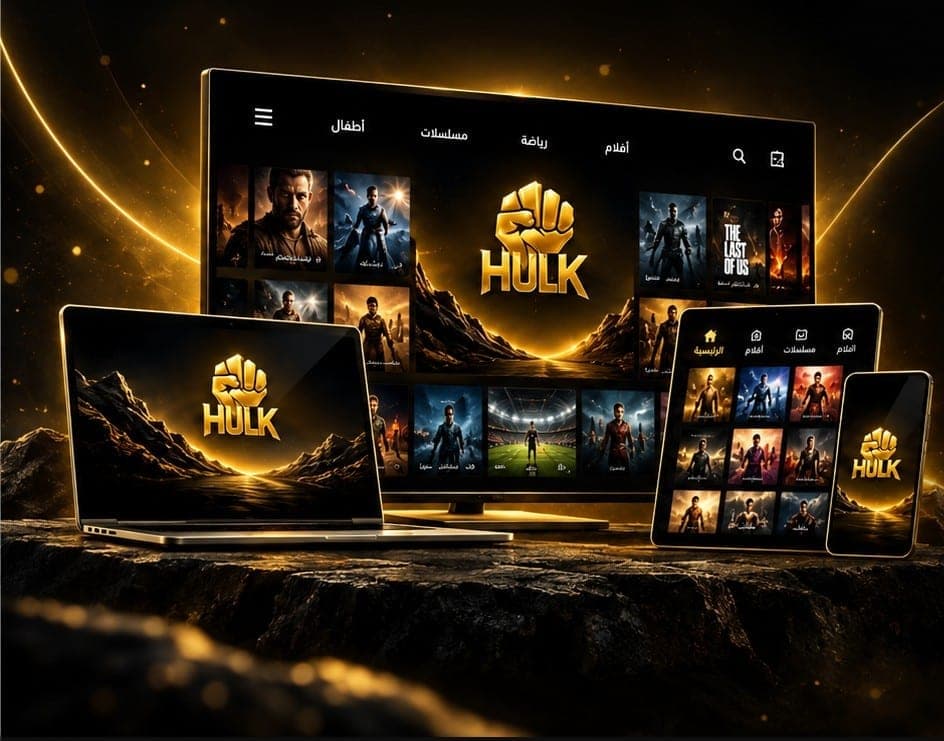
Get a Hulk subscription with fast activation, refreshed content, and apps for TV, phone, tablet, and computer.
Fast activation
All devices
Live support
Secure payment
Get HULK on your device
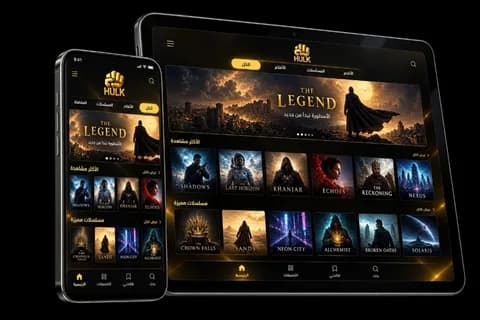
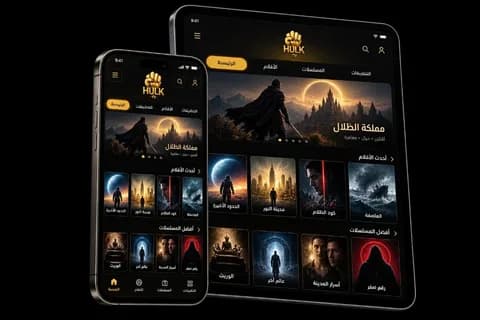
One interface and a consistent experience across all platforms.
✓ Fast activation✓ Arabic interface✓ All screens✓ Tech support
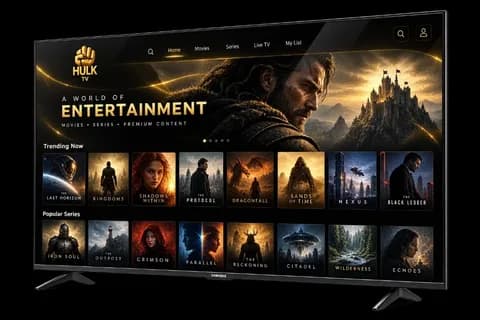
Samsung TV
Tizen
TV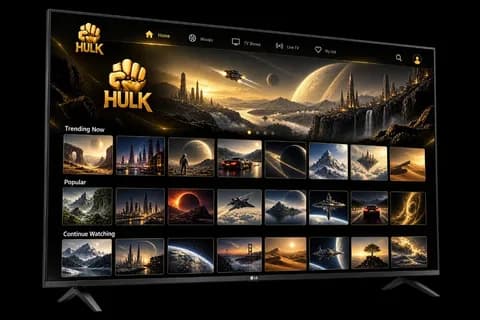
LG TV
webOS
TV
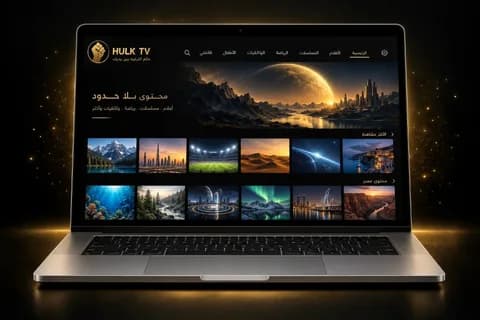
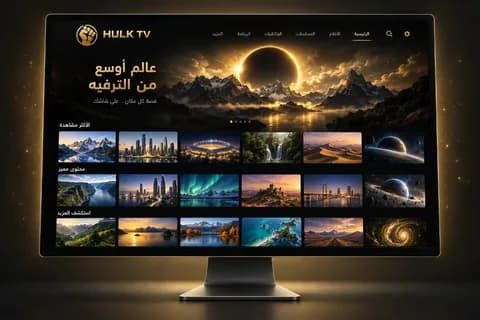
Choose your device to download the right app. Need install help? Contact support.
Store
Choose the right plan
Seven clear plans, with prices shown automatically in the visitor’s currency.

26.00 $
- Fast activation
- 1 devices
- Credentials delivered in your account

40.00 $
- Fast activation
- 1 devices
- Credentials delivered in your account
Best seller
66.67 $53.07 $
- Fast activation
- 1 devices
- Credentials delivered in your account

79.73 $
- Fast activation
- 1 devices
- Credentials delivered in your account

106.40 $93.07 $
- Fast activation
- 2 devices
- Credentials delivered in your account

106.40 $93.07 $
- Fast activation
- 1 devices
- Credentials delivered in your account

213.07 $159.73 $
- Fast activation
- 2 devices
- Credentials delivered in your account
Why choose a HULK plan?
An organised purchase flow that starts with the right plan and ends with your credentials and playback on your device, with support before and after you buy.
Fast activation
Your HULK credentials are prepared and linked to your order inside your account, so they arrive clearly and in order.
Clear credentials, easy to copy
Activation code, username, password, and host — each value is shown separately so you can copy and use it easily.
Direct support
Clear support channels to help you choose an app, install it, start playback, and answer your questions.
Secure account
Sign in with a WhatsApp or email OTP. No password to remember.
From buying a HULK plan to playback in 4 steps
Simple, clear steps to complete your order and start playback in the app that matches your device.
-
01
Choose your plan
Choose your HULK duration and device count, then add the plan to your cart.
-
02
Pay securely
Complete your order details, choose an available payment method, and confirm your contact information.
-
03
Receive your credentials
Once the order is ready, you will find the credentials in your account, with a separate copy action for each value.
-
04
Download the app and start
Pick the app that matches your device, enter your HULK credentials, and start watching.
Simple and fast
A simple, fast experience. Your subscription appears clearly in your account, with one-tap copy for every credential.
HULK: a complete experience on every device
Explore HULK plan benefits, browse the library and its updates, download the right app for your device, and get help from support before and after you subscribe.
Free HULK trial
Try HULK yourself before you buy. The free trial helps you check ease of use, app compatibility, and playback quality for your internet and device.
- Simple, fast trial request
- Try it on a compatible device
- Support available for setup
HULK movie and series library
Browse the organised HULK library of movies, series, and entertainment. Use the library page to explore categories and find what you want to watch.
- Categories that help you find titles
- Watch options for the whole family
- A dedicated library page
Daily HULK library updates
Follow the latest HULK additions on the updates page. New titles are listed clearly, so you can see what is new without searching.
- A clear list of the latest additions
- Easy tracking of what was updated
- Direct access from the homepage
HULK support and questions
HULK support is ready to answer questions and help with setup, sign-in, choosing the right app, and common playback issues. Open the support page for guides and contact options.
- Help with app install and setup
- Answers about plans and compatible devices
- Clear guides for common issues
HULK apps for every platform
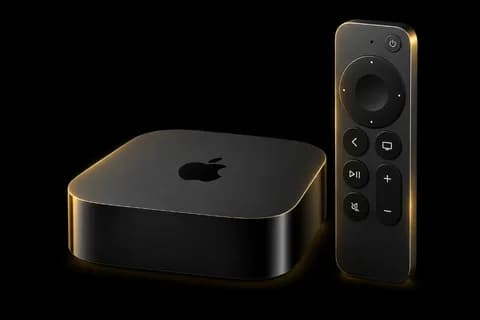
Use HULK on a phone, tablet, smart TV, or compatible streaming device. The apps page collects download and setup options for each platform so you can pick the right app and start in clear steps.
See HULK apps
Smart TVAndroidiPhone & iPad
Apple TVFire TVComputer
HULK frequently asked questions
Learn about supported countries, devices, and apps, usage policy, and how to request missing movies or series.
Does HULK work in every country?
Yes. HULK works in all countries. When you place the order, write in the notes that you need international use, or contact support on WhatsApp so the plan is set for use outside your country.
Does HULK work on Smarters Pro?
Yes. HULK works on Smarters Pro for Android. On Samsung TVs there is a new Smarters Pro version because the old one was discontinued. On LG TVs the app has not been updated yet.
You can use IBO Player, All IPTV Player, BOB Player, or HOT IPTV instead. These apps are paid, but we activate one of them for free with a yearly or 6-month plan, according to the current offer.
Does HULK work on Samsung, LG, and Hisense TVs?
Yes. HULK works on Samsung and LG TVs through 0Player, and on Hisense TVs through IBO Player. Check the apps page for the right app for your system.
View compatible appsCan I request a missing movie or series?
Yes. You can request a missing movie or series from the library requests page, or send the request to support on WhatsApp.
Go to library requestsDoes HULK work on more than one device?
You can enter the credentials on more than one device, but the standard plan does not allow two devices to play at the same time. A dual-screen plan is available, and if you need more than two devices, contact support for a quote.
Can I cancel HULK after activation?
The plan cannot be cancelled or refunded after activation because it is a digital product prepared and delivered to you. If you hit an issue, contact us on WhatsApp or the support page and the team will help.
Which devices does HULK work on?
HULK works on compatible devices and platforms, including smart TVs, phones, tablets, streaming boxes, and computers. Check the apps page to choose the right app and see setup steps.
Choose the right app for your device
We are here to help
Need help choosing a HULK plan?
Contact us with your device type and what you need. The team will help you pick the right option and answer questions before you start a HULK trial or complete an order.